

For years, I have obsessed over the Betfair Exchange. I’ve spent countless hours staring at trading ladders on professional software like Bet Angel, Gruss Betting Assistant, and Geeks Toy. These tools are incredible, yet I always identified a gap in the market.
My vision was clear: a “set and forget” strategy—a system capable of trading football markets autonomously, 24/7, without my constant supervision. To achieve this, I knew I had to commit to building a Betfair bot from scratch.
And to be completely honest? I saw dollar signs.
My plan wasn’t merely to use this bot for my own betting. I intended to package and license it. I envisioned a future selling this software to other traders, generating passive income from code I didn’t even know how to write.
I faced just one minor hurdle: zero coding experience.
However, the AI revolution offered a loophole. I believed building a Betfair bot with Python no longer demanded years of study. Armed with Visual Studio Code and a paid GitHub Copilot subscription, I genuinely thought this AI would serve as my Lead Developer, leaving me to be the visionary CEO.
Spoiler alert: I fired my “Lead Developer,” the project is dead, and I learned a painful lesson.
Here is the honest, unvarnished account of my attempt to get rich with AI coding—and precisely where it all went wrong.
The Dream: Automating Betfair with Zero Coding Experience
The project’s initial days were dangerously misleading; they instilled false confidence.
I set up my development environment using specific tools I believed would make me invincible.
My Failed Bot Toolkit
For those curious about the setup that (almost) worked:
- IDE: Visual Studio Code (Free & industry standard).
- AI Assistant: GitHub Copilot ($10/mo).
- Language: Python 3.10 (The go-to language for building a Betfair bot).
- API Library:
betfairlightweight(Highly recommended for connecting to Betfair). - API Key: Betfair Delayed Key (Free).
Using Copilot felt magical. It’s predictive text on steroids. I typed a plain English comment, like # Connect to the Betfair API and login, and ghost text materialized on the screen. A quick Tab inserted 20 lines of professional-looking Python code.
I wasn’t actively writing code; I was prompting it. Remarkably, it worked.
Within the first week, I achieved a significant milestone. I managed to create a simple Web App that connected to Betfair, displaying live market data in my browser. I felt like a genius. (I even detailed this initial success in a previous blog post).
I remember staring at the VS Code terminal, watching the odds update in real-time. I thought, “If I can get this far in a few days, surely the finished, sellable product is just around the corner?”
Mentally, I was already spending my projected earnings.
The Trap: The “Copilot Addiction”
As the project progressed, I developed a detrimental habit that ultimately sabotaged the entire endeavor: The Tab Addiction.
Because the AI excelled at small tasks, I stopped scrutinizing the code it produced. I simply kept hitting the Tab key to accept its suggestions.
- “Add a stop loss?” —>
Tab. - “Create a User Interface?” —>
Tab. - “Add email alerts?” —>
Tab.
I wasn’t structurally building a Betfair bot; I was blindly stacking Jenga blocks. I allowed the AI to make architectural decisions I didn’t comprehend.
Consequently, I fell into the classic Feature Creep trap. Instead of perfecting the core betting logic, I demanded “The Best in the World” software before it had even placed a single £2 bet. I continually prompted the AI: “Make this better. Make it professional. Add more logging.”
My initially clean, 50-line script ballooned into a 1,000-line monster.
The Problem: Connecting to the Betfair API with a Delayed Key
Real trouble began when the technical complexity of the Betfair API collided with the AI’s limitations.
I used a Delayed App Key (which is free for testing). However, I persistently asked Copilot for advanced features available only on the Live App Key (which incurs a cost and requires a funded account).
The AI didn’t recognize this distinction. AI models train on vast, undifferentiated internet data. As a result, Copilot “hallucinated.”
It confidently wrote code to fetch data fields like EX_BEST_OFFERS or instant trade volume. When I executed the code, the Betfair server rejected it with an error.
The Hallucination Loop
Here is precisely how it unfolded. Copilot offered code like this:
Python
# Copilot's Suggestion:
market_book = trading.betting.list_market_book(
    market_ids=[market_id],
    price_projection=betfairlightweight.filters.price_projection(
        price_data=['EX_BEST_OFFERS']
    )
)
I ran it, and the terminal immediately screamed:
Plaintext
ERROR: BEST_EXECUTION_ONLY_ALLOWED_ON_LIVE_APP_KEYS
I pasted the error back into the chat: “Copilot, this isn’t working.” Copilot responded: “Apologies! You are correct. Try this version instead.”
It then wrote the exact same code, simply phrased slightly differently.
This cycle continued for days. I argued with a robot about data permissions neither of us fully understood. The code became riddled with “band-aid” fixes—convoluted loops and try/except blocks designed to force functionality.
My “sellable software” resembled a plate of spaghetti. Variables bore names like price_check_2, final_odds_final, and test_data_real. It was a chaotic mess, and I lost all control.
The Crash: How Spaghetti Code Ruined My Bot
The end arrived not with a bang, but with a “rewrite.”
Frustrated by constant bugs and the visual chaos on my screen, I made a fatal prompting error. I asked Copilot: “This code is becoming too large and messy. Can you rewrite the main loop to be more efficient and clean?”
Copilot complied. It stated, “Certainly! Here is a streamlined version of your bot.”
I watched as the AI cleared my file, replacing my 1,000 lines of messy-but-partially-functional code with a sleek, 50-line summary.
It stripped everything. The complex strategy logic? Gone. The GUI connection? Gone. The risk management rules? Gone.
“No problem,” I thought. “I’ll just undo it.”
But I couldn’t. I had closed the file to restart VS Code. Upon reopening it, the old code was gone.
I realized then I had made the ultimate rookie mistake:
- I hadn’t set up Git (Version Control).
- I hadn’t even manually saved a copy of the file named
bot_backup.py.
In a single afternoon, weeks of work evaporated. No Ctrl+Z exists for real-life errors. The dream of building a Betfair bot failed not because the idea was flawed, but because I disrespected the development process.
4 Lessons for Building Trading Bots with AI
I haven’t brought myself to restart the project yet. The discouragement proved tough to overcome. However, this failure taught me more than an easy success ever could have.
If you are a beginner interested in building a Betfair bot using AI, here is the “Don’t Do This” checklist I wish someone had given me:
The “Don’t Do This” Checklist
- [ ] Don’t ask AI to “rewrite” your entire file (it often deletes crucial logic).
- [ ] Don’t start coding without a
backup_v1.pyfile or a Git repository. - [ ] Don’t assume the free Delayed Key has the same data permissions as the Live Key.
- [ ] Don’t add a GUI until the bot can place a simple bet in the terminal.
My Rebuild Plan (Doing it Differently)
Am I giving up? Absolutely not. But I am slowing down. Here is my roadmap for the coming month:
- Week 1: Learn the basics of Git to prevent future code loss.
- Week 2: Develop a script that solely logs my account balance hourly (a critical stability test).
- Week 3: Manually place a £2 bet via Python code (focusing only on execution, not strategy).
FAQ: Building Betfair Bots with AI
Can ChatGPT or Copilot write a profitable bot? AI can generate the syntax (the code), but it cannot create the profitable strategy for you. You must provide the logic and the edge; the AI merely provides the code to build it.
Is the Betfair API free? The “Delayed” key is free for testing (with data delayed by roughly 1-60 seconds). However, for real-time trading and in-play execution, you need the “Live” key, which requires a funded account and a one-time activation fee of £299.
Do I need a VPS? Ultimately, yes. If you intend for your strategy to run 24/7, relying on your home laptop and Wi-Fi is impractical. For the learning phase, however, your home PC is entirely sufficient.
Conclusion
My goal remains unchanged: to create a fully automated trading tool. Yet, my approach has fundamentally shifted. I am trading the “get rich quick” mindset for “learn slowly.”
I will start again. But this time, I won’t attempt to build a Ferrari on day one. I’ll be content if I can build a skateboard that moves forward without falling apart.
Has anyone else hit the “Spaghetti Code” wall with GitHub Copilot while building a Betfair bot? Share your experiences in the comments—I’d love to know I’m not alone!

Betfair Bot Reviews: Which One Suits You Best?
Which Automated Betfair bot Trading Software is Right For You? Choosing the best Betfair bot in 2026 can be a…
Betfair Trading Strategies: The Ultimate 2026 Guide to Football Betting Automation
Executive Summary: The Era of the Algorithmic Trader The year 2026 marks a turning point for the Betfair Exchange. The…
Dutching Betting Strategy Guide (2026): Includes Free Excel Calculator & Automation Tools
We’ve all been there. You stare at the race card, torn between the 3/1 favourite who looks solid and the…
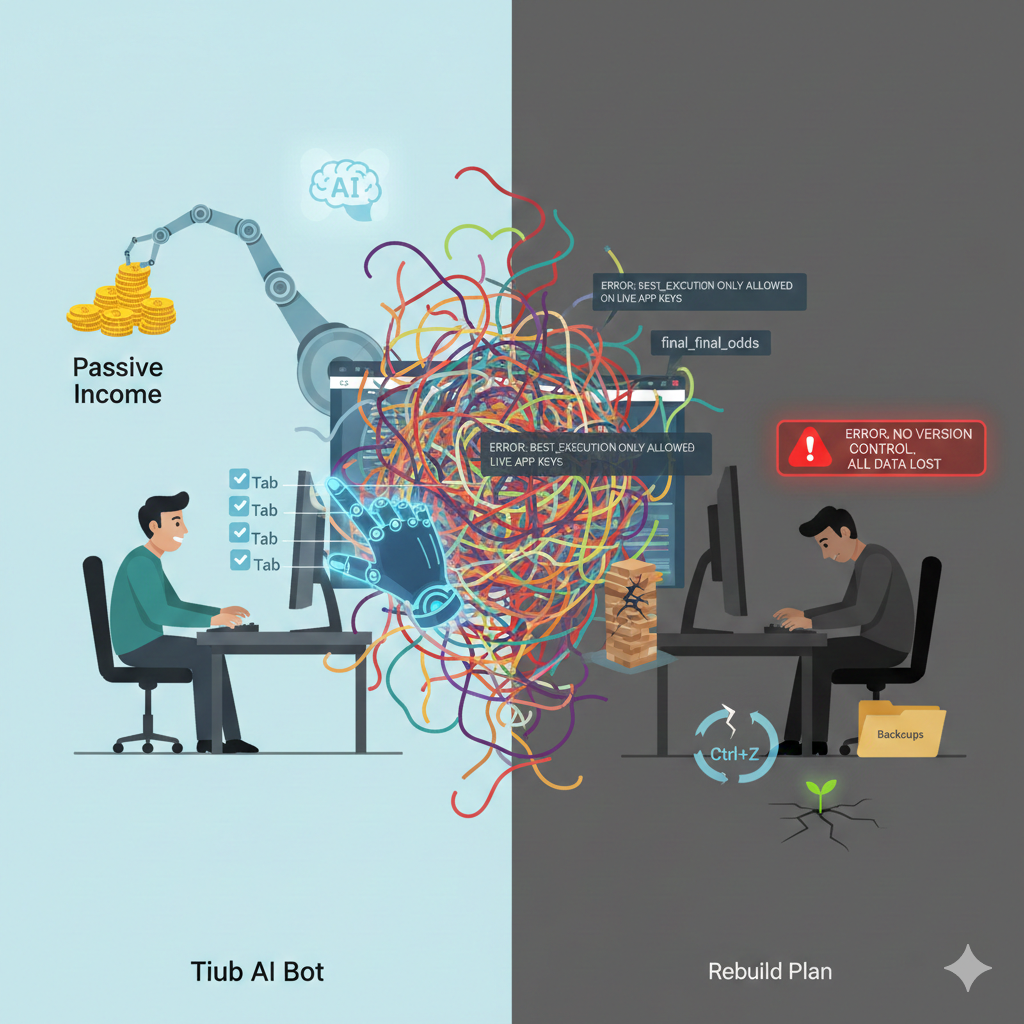
Building a Betfair Bot with Python & AI: Why I Failed (Case Study)
For years, I have obsessed over the Betfair Exchange. I’ve spent countless hours staring at trading ladders on professional software…
The Ultimate Betfair Trading Guide: History, Strategies
Betfair trading is the secret that professional gamblers don’t want you to know. For decades, the game was rigged. You…
How to Get Your Betfair Bot Certified and Ready to Sell
So, you’ve done it. You’ve spent countless hours coding, testing, and perfecting a Betfair bot. It’s a powerful piece of…
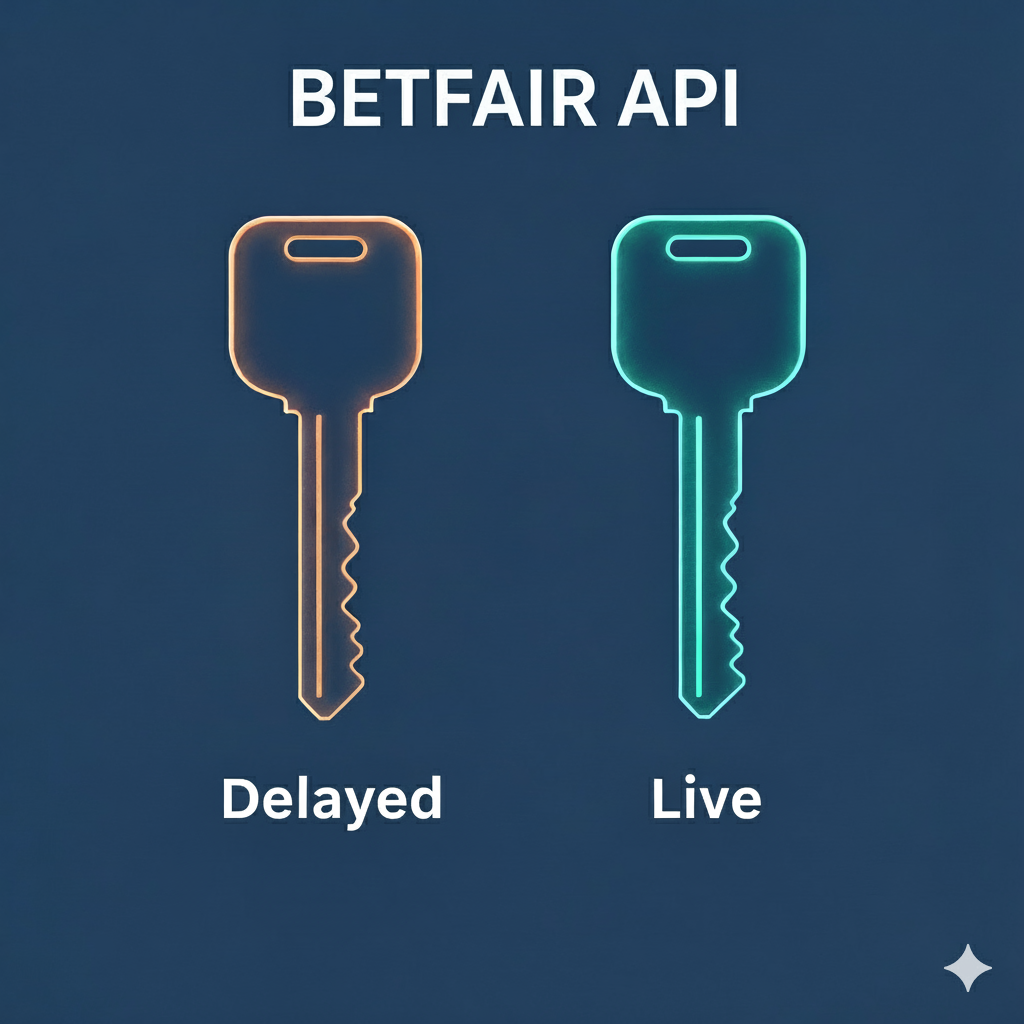
Betfair API Key: Delayed vs. Live Explained (The £299 Cost for Real-Time Trading)
Introduction: The Speed Barrier in Automated Betting If you’re developing a Betfair bot, you’re searching for an edge. That edge…